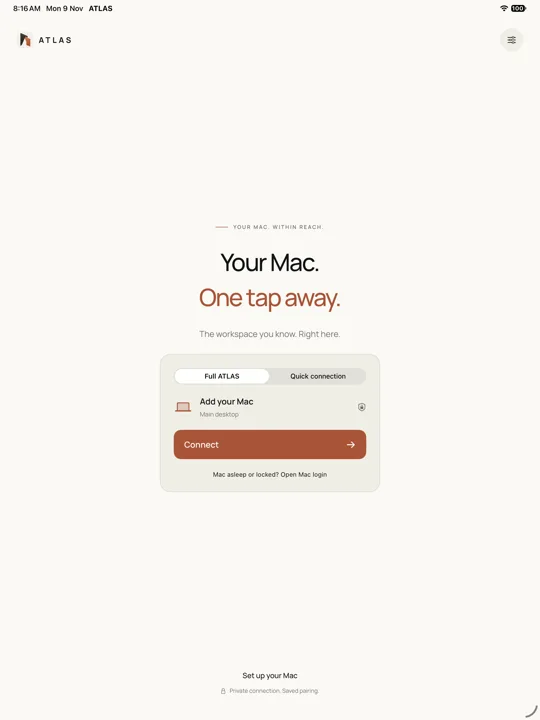
 01 / Pair
Make the connection explicit
An authorised iPad connects to the native Mac host.
The design choice
Make it clear which computer is being controlled.
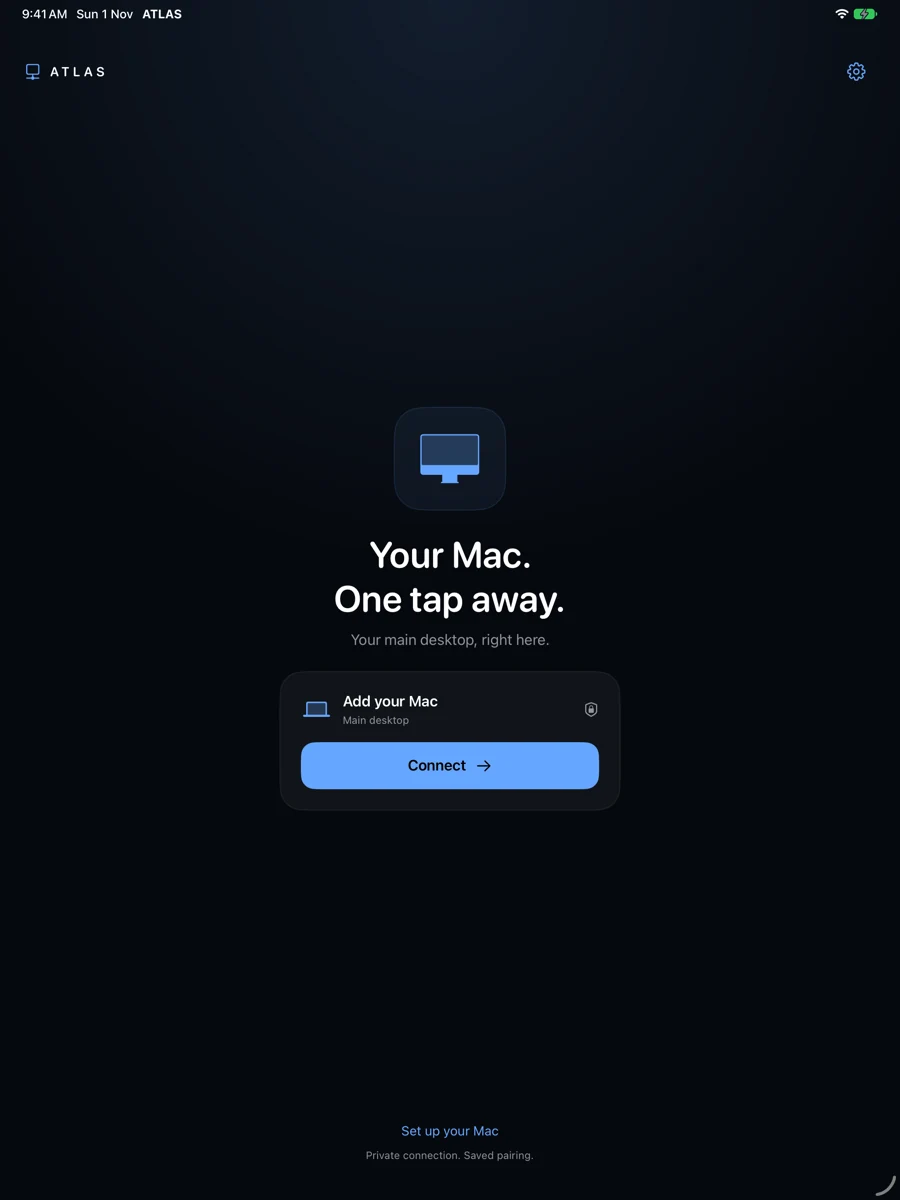

Native software · Remote desktop · iPad
Your Mac workspace, through an iPad. Atlas is an ongoing exploration of a native remote workstation, including external-display workflows.
View private landing previewWork in progress. The landing preview requires owner access.
Design breakdown / concept drawings
Carry the Mac workspace to an iPad while keeping the connection understandable.
01 / PairAn authorised iPad connects to the native Mac host.
Make it clear which computer is being controlled.
02 / StreamThe Mac captures and encodes its desktop; the iPad receives the picture.
Preserve the applications and workspace already in use.
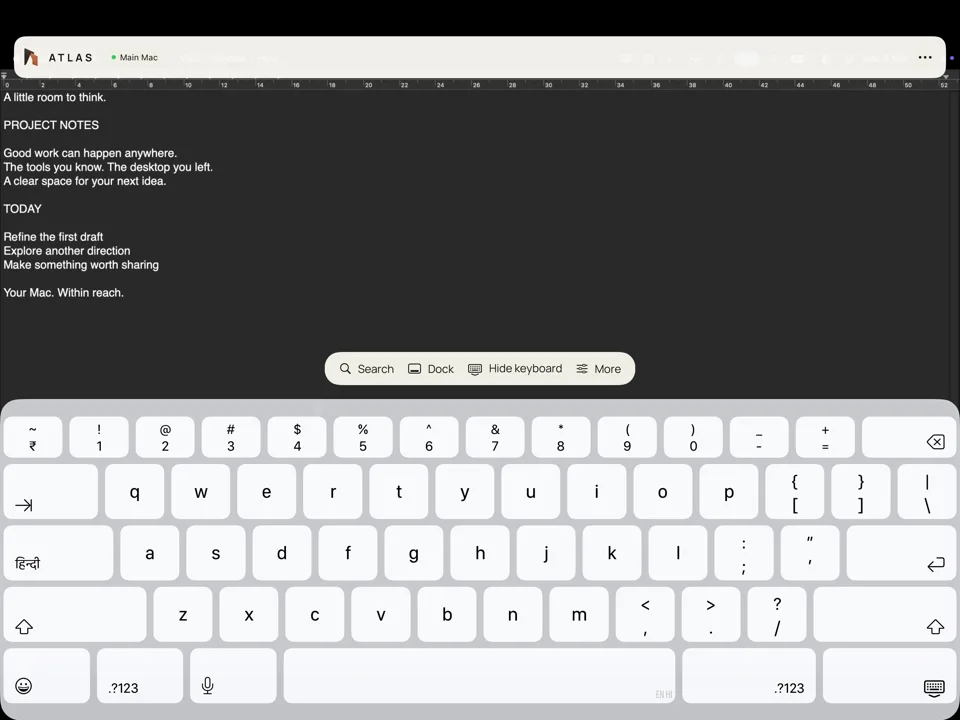 03 / Control
Input travels back to the Mac. Accessories, external displays and remote-network reliability remain development work.
A useful workstation depends on input and connection state as much as image quality.
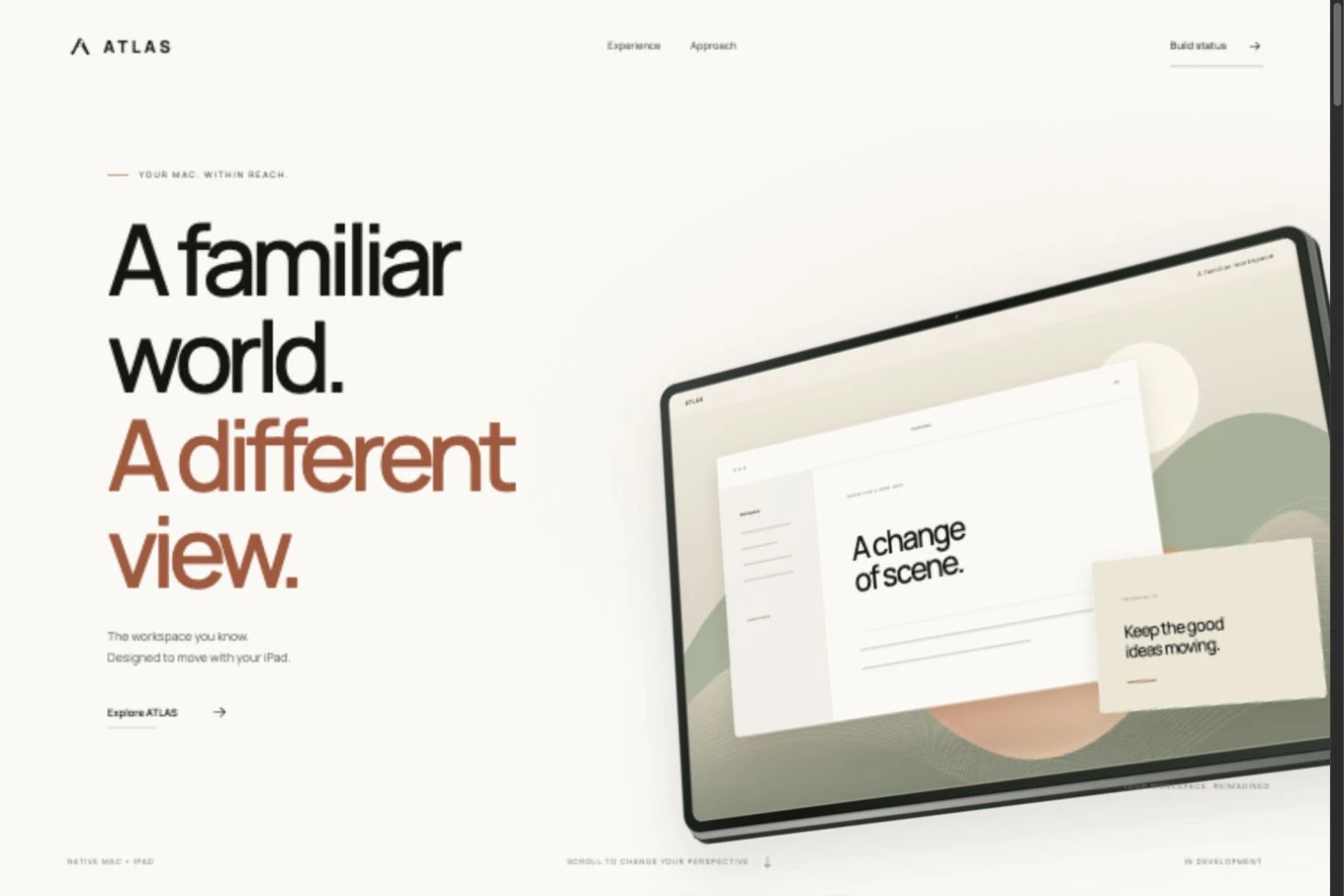
Atlas starts with continuity: the tools and windows already on a Mac, available from a different seat and screen. The design challenge is to preserve a useful desktop while making touch, input, and connection state understandable.
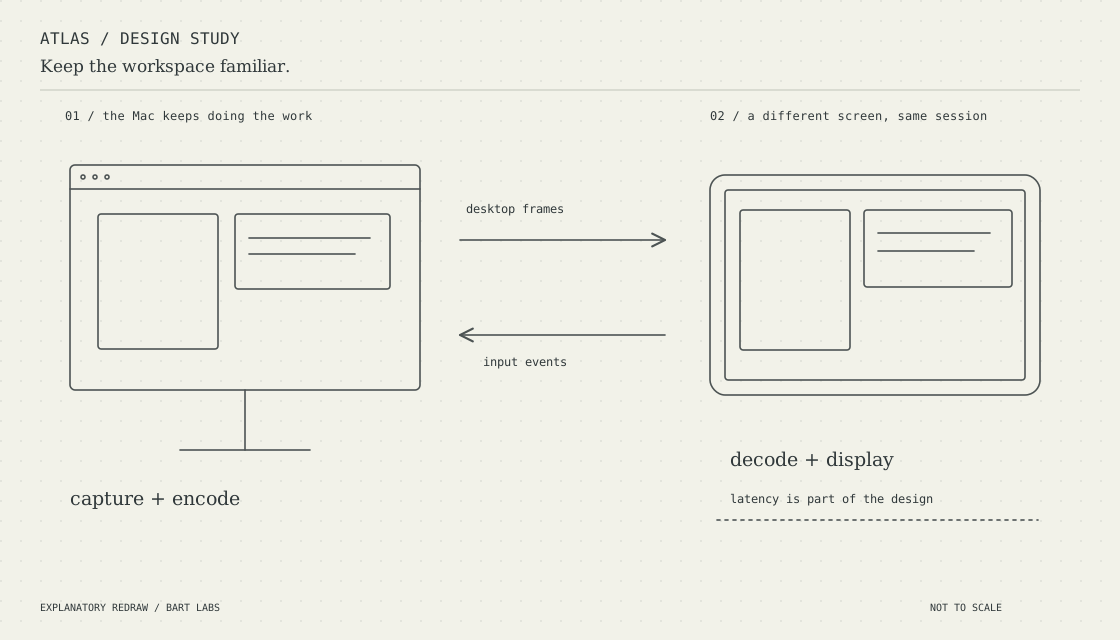
A native Mac host captures and encodes the desktop. A paired iPad client receives the stream and returns input. External-display behaviour is part of the exploration; performance, accessories, and remote-network reliability remain active development work.
A native Mac host captures and encodes the desktop rather than replacing desktop applications with a mobile imitation.
The iPad receives the stream and returns input. Connection state and input behaviour are as important as the picture.
External displays, accessories, latency, and remote-network reliability remain part of ongoing development. This is a WIP, not a performance guarantee.
Work in progress