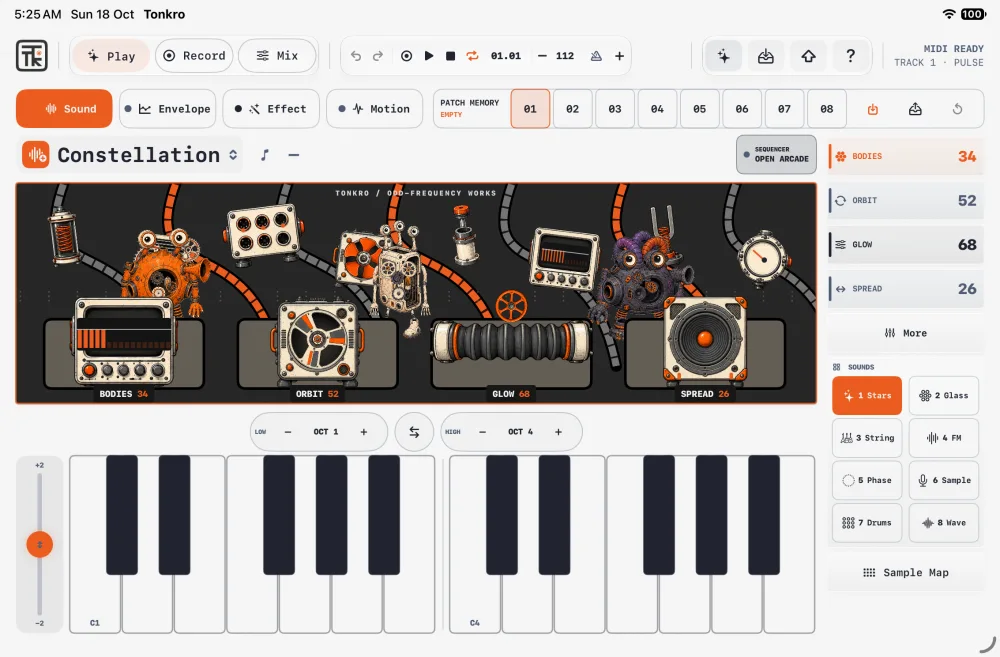
 01 / Touch
Four macros
Sound, Envelope, Effect and Motion keep the control surface consistent. The instrument responds to touch and MIDI.
The design choice
A small, repeatable set of controls keeps attention on listening.
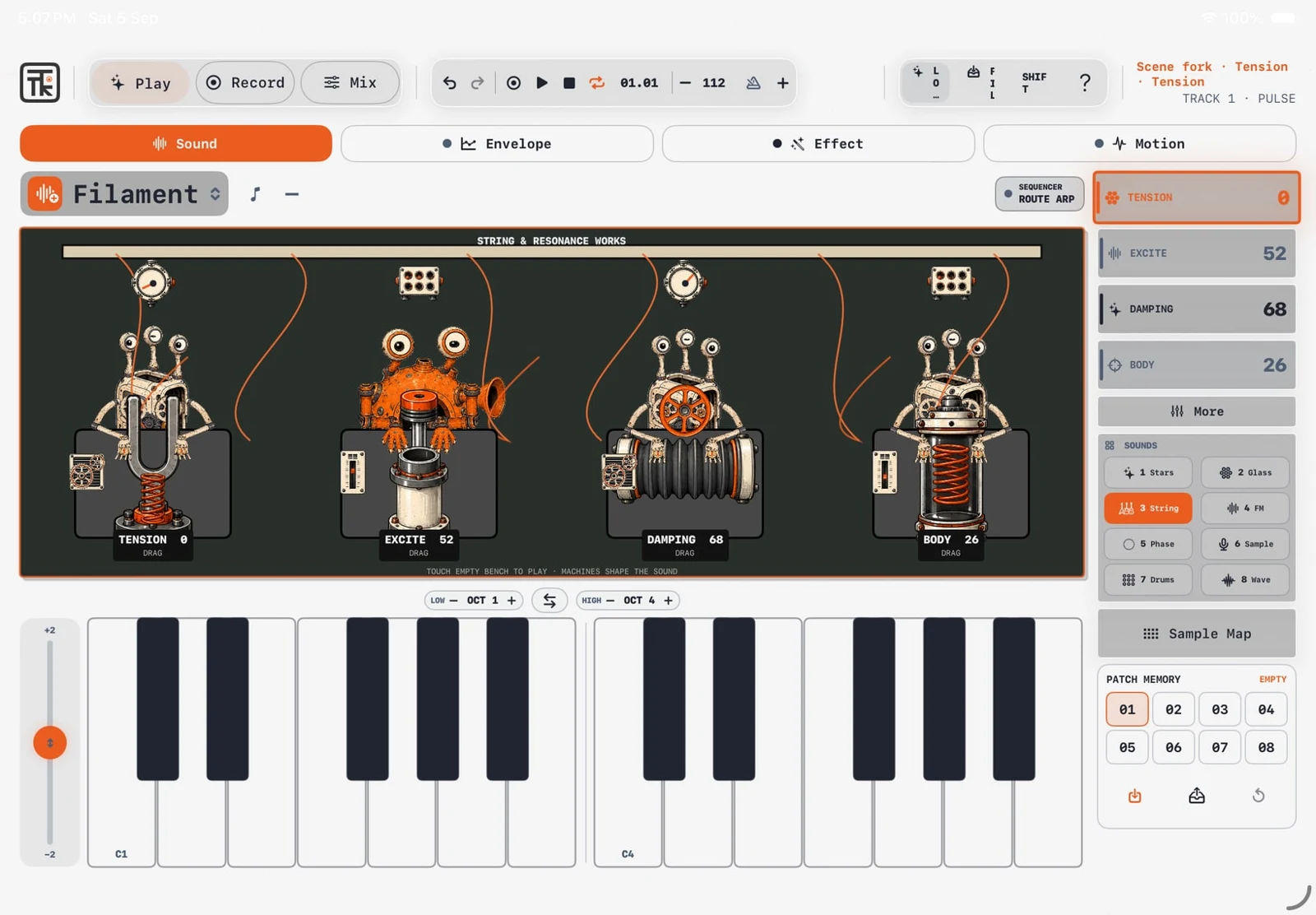

Instrument design · Audio · iPad
An instrument you can play, not just operate. Tonkro brings synthesis, sampling, sequencing, and recording into a tactile iPad workstation.
Visit the projectDesign breakdown / concept drawings
Make sound feel immediate: play first, then shape and arrange.
01 / TouchSound, Envelope, Effect and Motion keep the control surface consistent. The instrument responds to touch and MIDI.
A small, repeatable set of controls keeps attention on listening.
 02 / Pattern
Sequencers turn notes and gestures into patterns. Animated worlds give changes in the sound a visible counterpart.
Motion has a job: show the behaviour of the instrument.
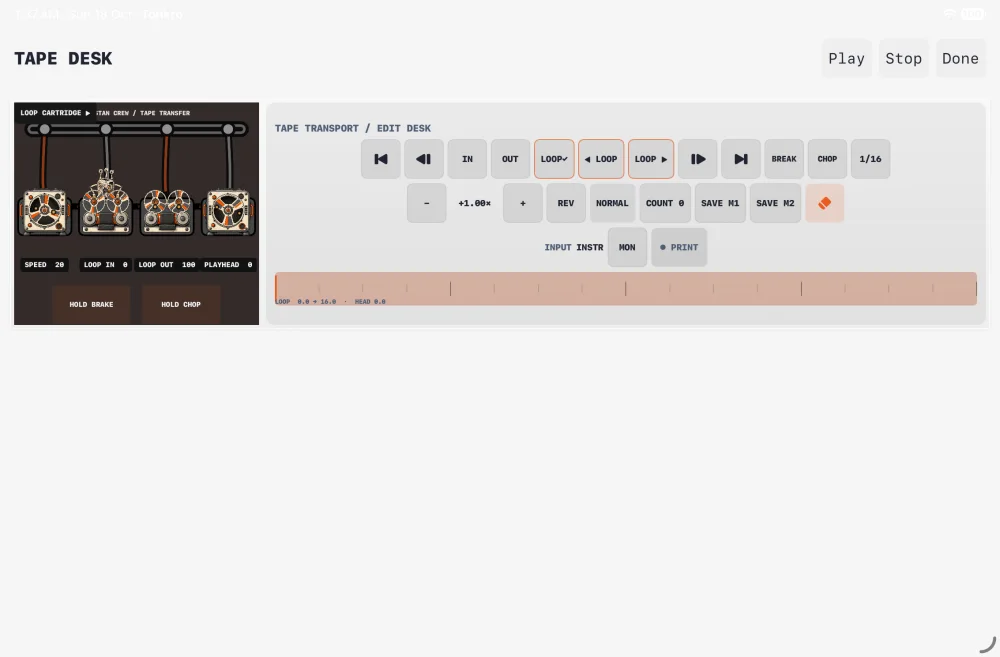 03 / Tape
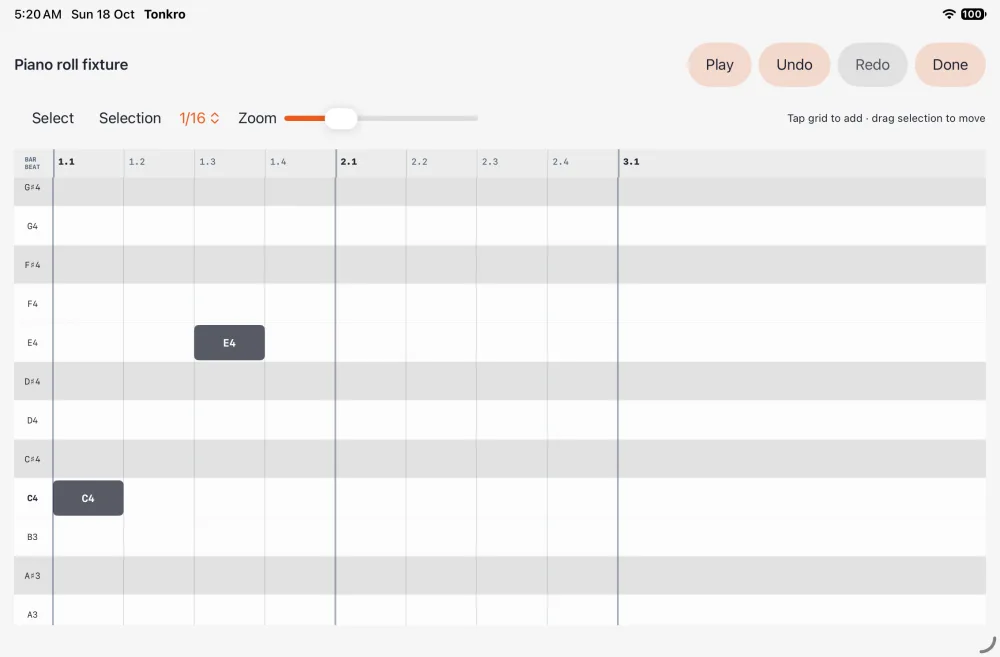
Record, arrange and mix in the eight-stereo-track workspace. MIDI notes remain editable in the piano roll.
The playful instrument connects to a practical finishing workflow.
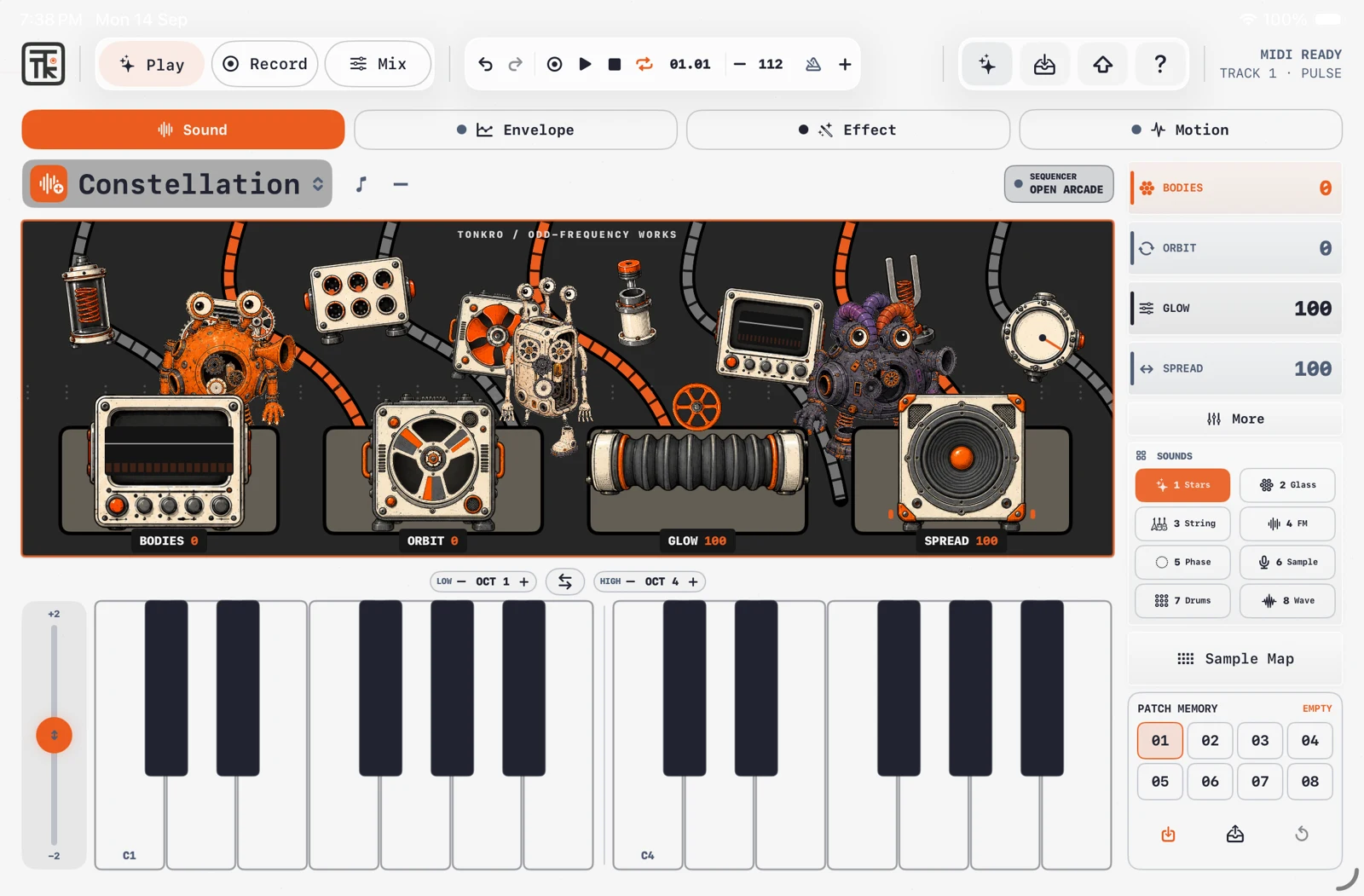
Tonkro explores the immediacy of physical instruments: a handful of controls, a sound you can shape, and a response you can feel. Its animated worlds give synthesis a visible personality.
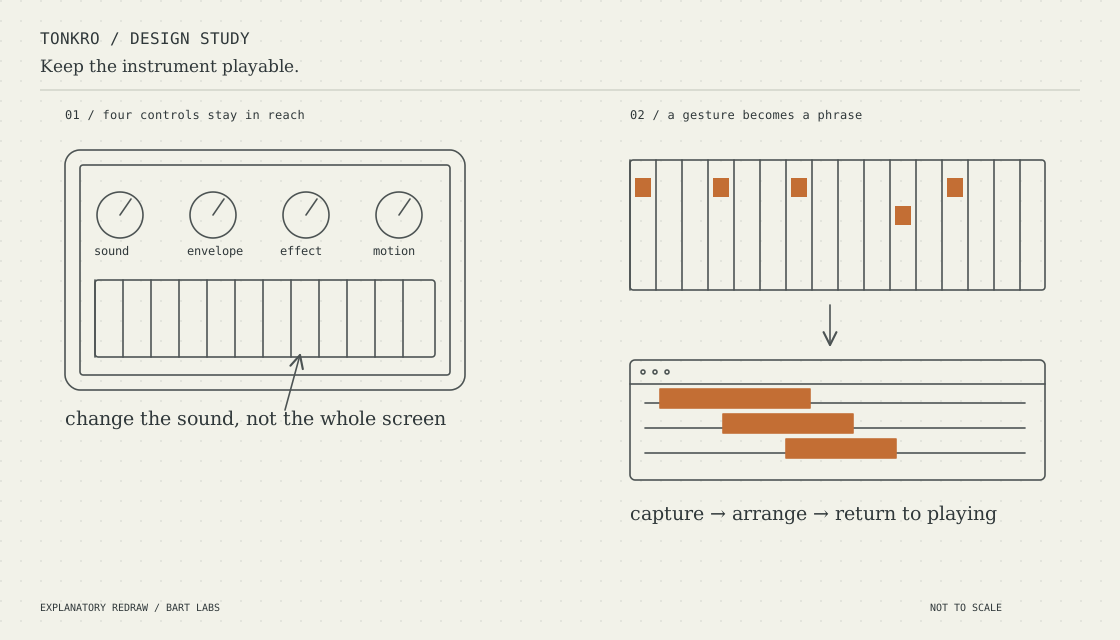
Sound, Envelope, Effect, and Motion each have four macro controls. Touch and MIDI feed a shared audio engine; sequencers turn gestures into patterns, and the tape workspace lets those performances become an arrangement.
Four stable macros across Sound, Envelope, Effect, and Motion keep the interface playable with touch or a MIDI controller.
Play, Record, Arrange, and Mix connect the instrument to an eight-stereo-track workspace. MIDI recording and a piano roll keep the notes editable.
Animated worlds respond to the instrument. The visual character is part of understanding the sound, rather than decoration around a control panel.
Featured project